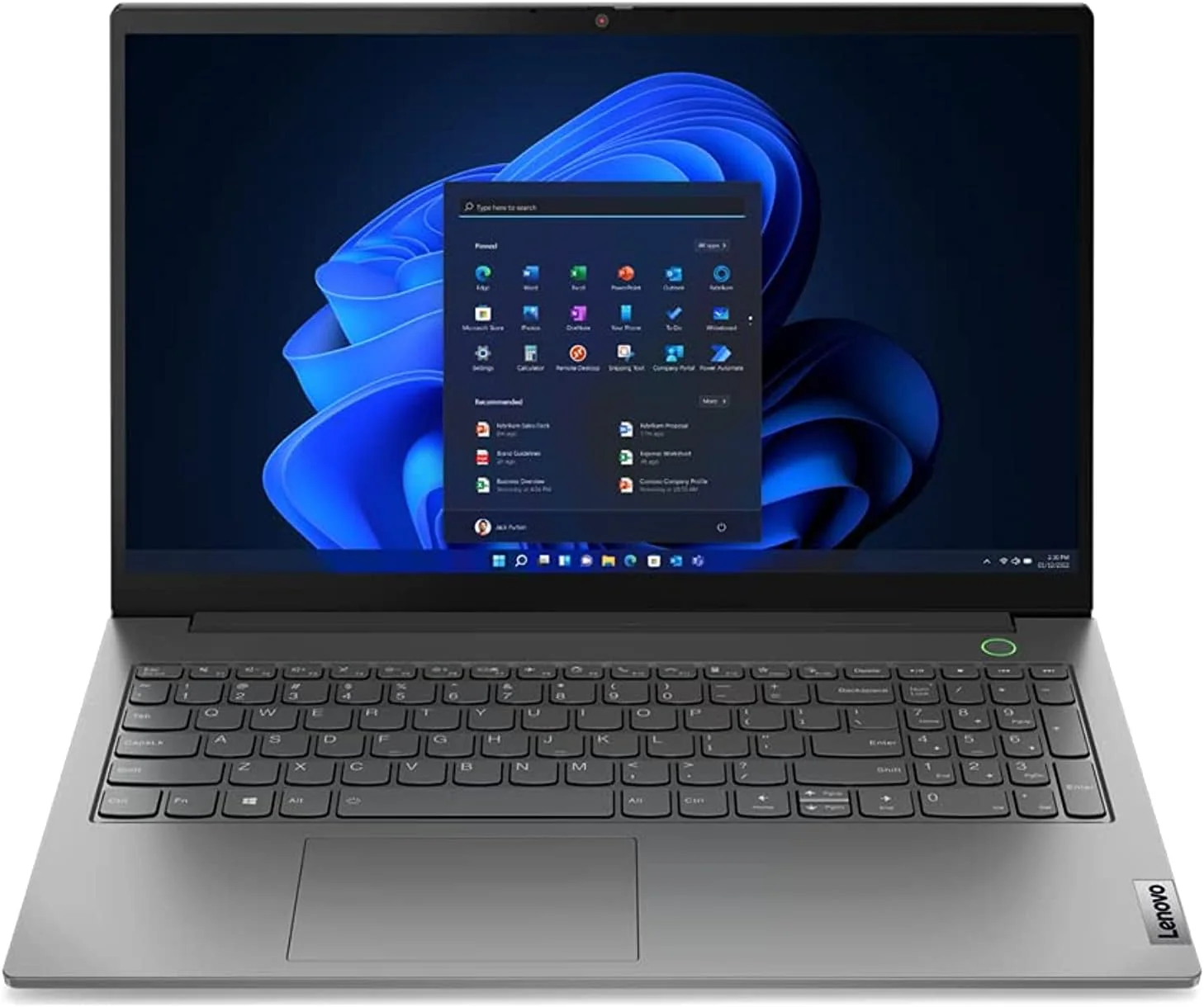
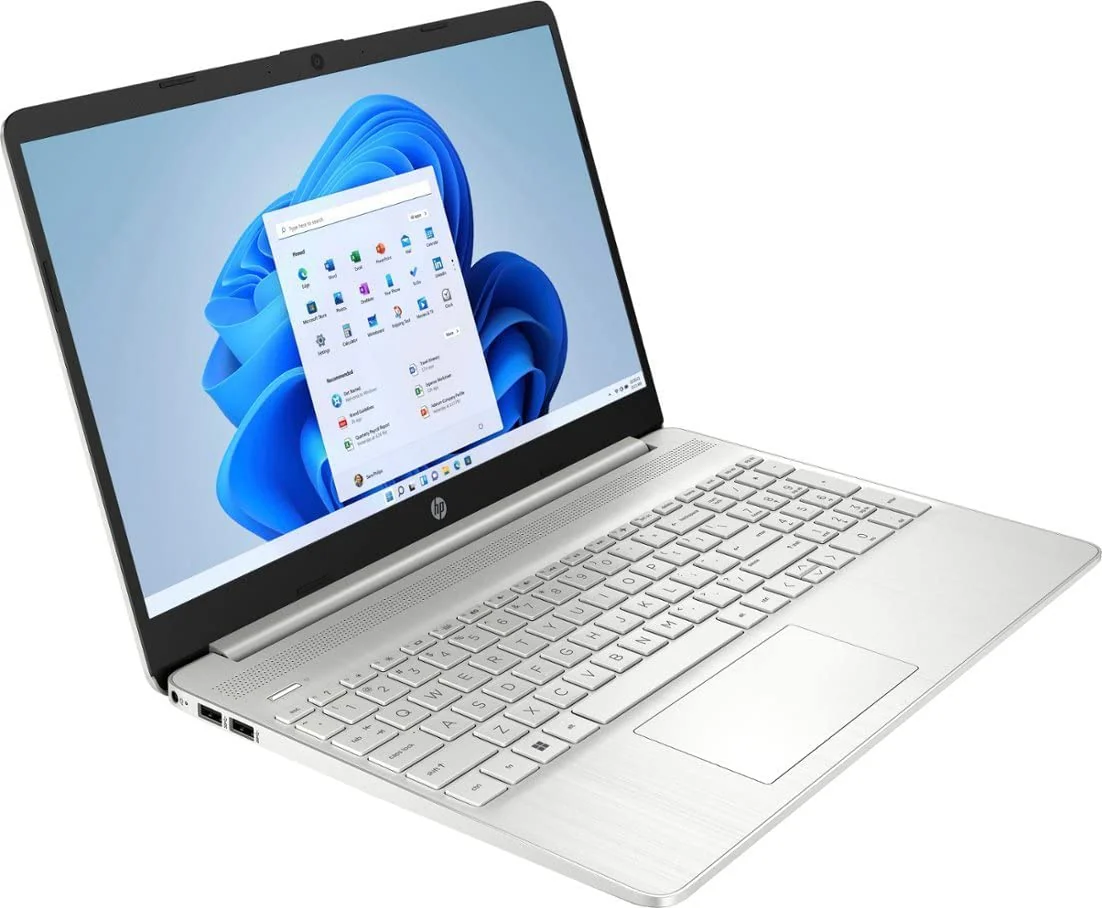
HP 15-dy2703dx 15.6" Laptop - Intel Core i5-1135G7, 8GB, 512GB, Silver, Win 11
| Brand | HP |
| Model name | HP 15-dy2703dx |
| Memory storage capacity | 512 GB |
| Screen size | 15.6 Inches |
| Operating system | Windows 11 S |
About this item
- Intel Core i5-1135G7 processor (4 cores, 8threads, 2.40GHz base up to 4.20GHz max, 8MB Cache)
- 15.6” Diagonal, HD (1366 x 768), Micro-edge, BrightView, 220 Nits, 45% NTSC, Touchscreen
- 8GB DDR4 RAM, 512GB PCle NVMe SSD, Integrated Intel Iris Xe Graphics
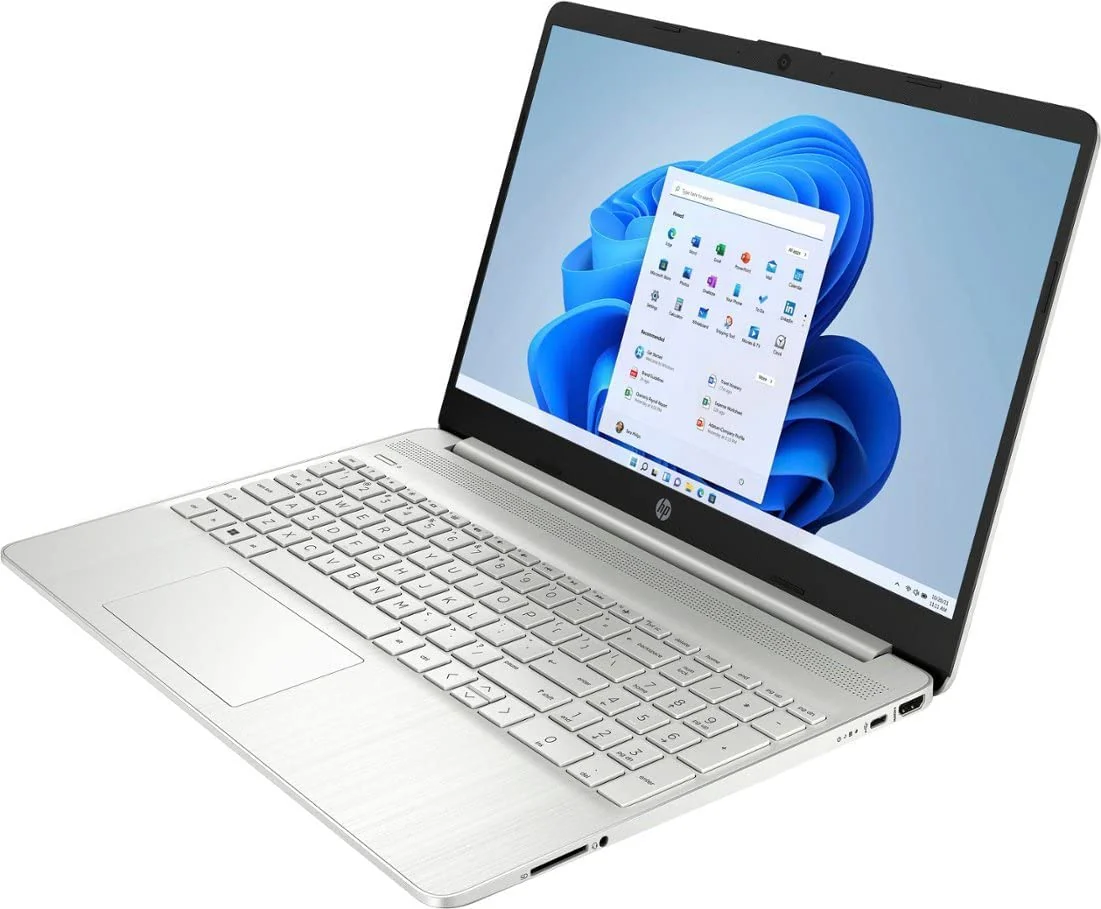
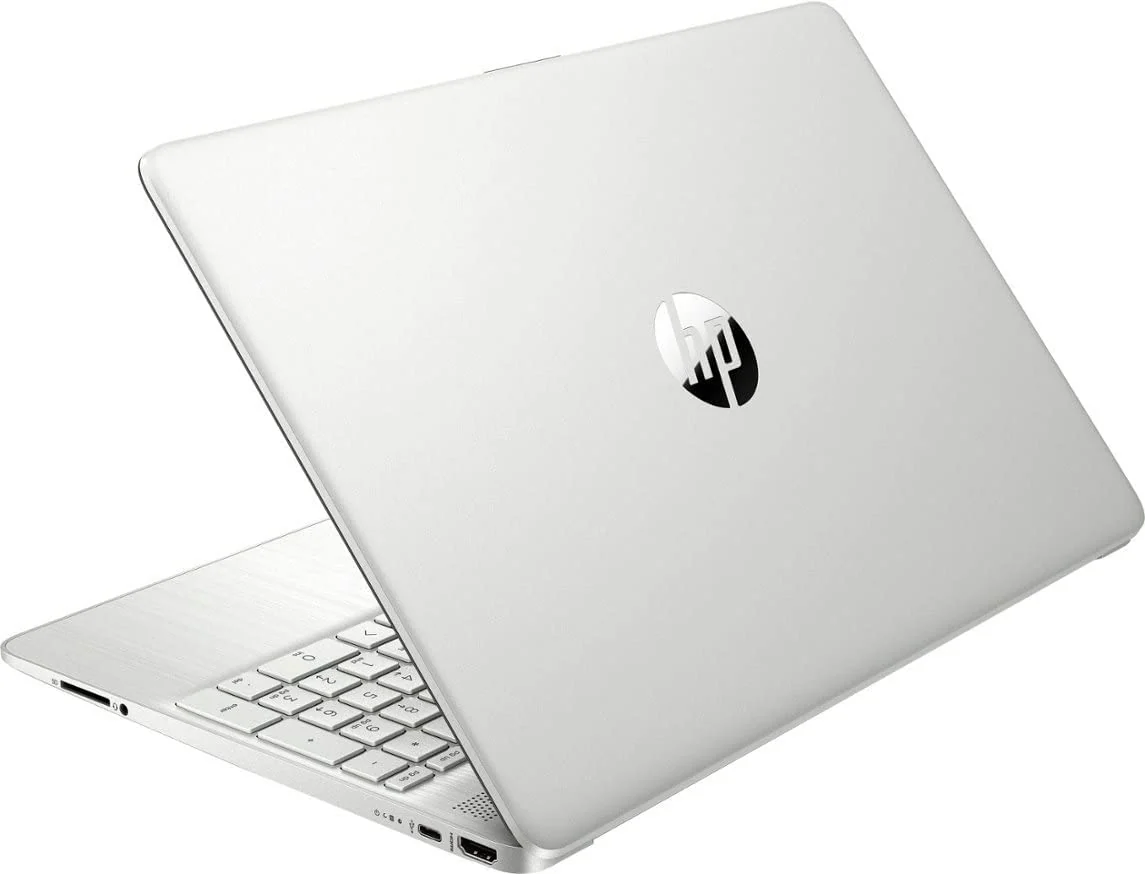
- Ports: 2 x SuperSpeed USB Type-A 5Gbps signaling rate, 1 x SuperSpeed USB Type-C, 1 x HDMI 1.4b, 1 x Headphone/Microphone combo; Slot: 1 x Multi-Format SD Media Card Reader
- Windows 11 S Mode – 720p HD Camera with Integrated Dual Array Digital Microphone, Dual Speaker, Wi-Fi, Bluetooth 5
- Windows 11 in S mode is designed for security and performance, exclusively running apps from the Microsoft Store. If you want to install an app that isn't available in the Microsoft Store, you'll need to switch out of S mode. Switching out of S mode is one-way. If you make the switch, you won't be able to go back to S mode. There's no charge to switch out of S mode and can be done by going to Settings > System > Activation. On the Switch out of S mode (or similar) page that appears in the Microsoft Store, select the Get button. After you see a confirmation message on the page, you'll be able to install apps from outside of the Microsoft Store.
Product Information
Product Information
Shipping & Returns
Shipping & Returns


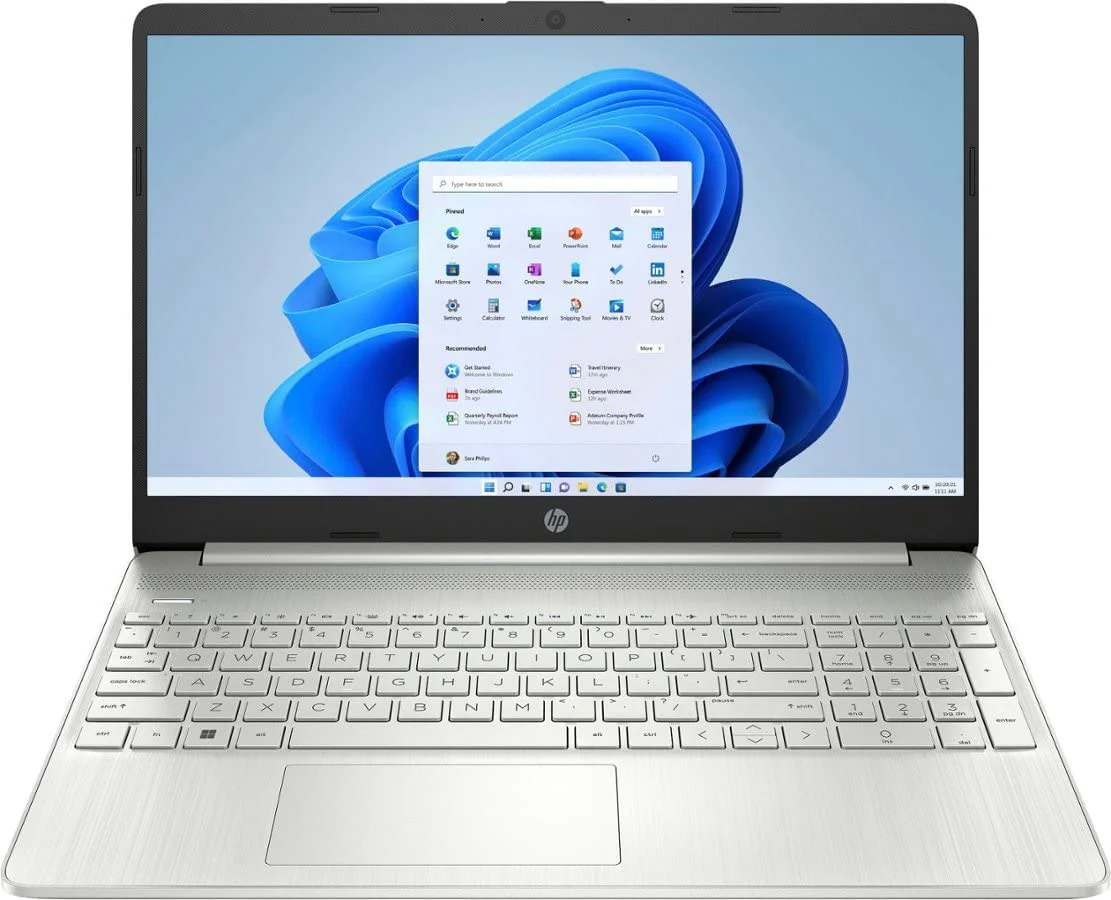
HP 15-dy2703dx 15.6" Laptop - Intel Core i5-1135G7, 8GB, 512GB, Silver, Win 11
HP 15-dy2703dx 15.6" Laptop - Intel Core i5-1135G7, 8GB, 512GB, Silver, Win 11
| Brand | HP |
| Model name | HP 15-dy2703dx |
| Memory storage capacity | 512 GB |
| Screen size | 15.6 Inches |
| Operating system | Windows 11 S |
About this item
- Intel Core i5-1135G7 processor (4 cores, 8threads, 2.40GHz base up to 4.20GHz max, 8MB Cache)
- 15.6” Diagonal, HD (1366 x 768), Micro-edge, BrightView, 220 Nits, 45% NTSC, Touchscreen
- 8GB DDR4 RAM, 512GB PCle NVMe SSD, Integrated Intel Iris Xe Graphics
- Ports: 2 x SuperSpeed USB Type-A 5Gbps signaling rate, 1 x SuperSpeed USB Type-C, 1 x HDMI 1.4b, 1 x Headphone/Microphone combo; Slot: 1 x Multi-Format SD Media Card Reader
- Windows 11 S Mode – 720p HD Camera with Integrated Dual Array Digital Microphone, Dual Speaker, Wi-Fi, Bluetooth 5
- Windows 11 in S mode is designed for security and performance, exclusively running apps from the Microsoft Store. If you want to install an app that isn't available in the Microsoft Store, you'll need to switch out of S mode. Switching out of S mode is one-way. If you make the switch, you won't be able to go back to S mode. There's no charge to switch out of S mode and can be done by going to Settings > System > Activation. On the Switch out of S mode (or similar) page that appears in the Microsoft Store, select the Get button. After you see a confirmation message on the page, you'll be able to install apps from outside of the Microsoft Store.
$141.73
Original: $472.43
-70%HP 15-dy2703dx 15.6" Laptop - Intel Core i5-1135G7, 8GB, 512GB, Silver, Win 11—
$472.43
$141.73Product Information
Product Information
Shipping & Returns
Shipping & Returns
Description
| Brand | HP |
| Model name | HP 15-dy2703dx |
| Memory storage capacity | 512 GB |
| Screen size | 15.6 Inches |
| Operating system | Windows 11 S |
About this item
- Intel Core i5-1135G7 processor (4 cores, 8threads, 2.40GHz base up to 4.20GHz max, 8MB Cache)
- 15.6” Diagonal, HD (1366 x 768), Micro-edge, BrightView, 220 Nits, 45% NTSC, Touchscreen
- 8GB DDR4 RAM, 512GB PCle NVMe SSD, Integrated Intel Iris Xe Graphics
- Ports: 2 x SuperSpeed USB Type-A 5Gbps signaling rate, 1 x SuperSpeed USB Type-C, 1 x HDMI 1.4b, 1 x Headphone/Microphone combo; Slot: 1 x Multi-Format SD Media Card Reader
- Windows 11 S Mode – 720p HD Camera with Integrated Dual Array Digital Microphone, Dual Speaker, Wi-Fi, Bluetooth 5
- Windows 11 in S mode is designed for security and performance, exclusively running apps from the Microsoft Store. If you want to install an app that isn't available in the Microsoft Store, you'll need to switch out of S mode. Switching out of S mode is one-way. If you make the switch, you won't be able to go back to S mode. There's no charge to switch out of S mode and can be done by going to Settings > System > Activation. On the Switch out of S mode (or similar) page that appears in the Microsoft Store, select the Get button. After you see a confirmation message on the page, you'll be able to install apps from outside of the Microsoft Store.